
Set Overrides and Adjust Wait Times With Otto
Otto lets you update your AI phone agent when something changes during service. If you sell out of an item, need to extend pickup times, close early, or add a temporary surcharge, you can tell Otto what to say and when to switch back.
It means callers hear the right information before they order, without your team needing to answer every call manually.
How It Works
Set an override
Add a plain-English instruction for Otto to follow, such as “we are out of soy milk” or “we are closing early for a private function.”
Adjust the wait time
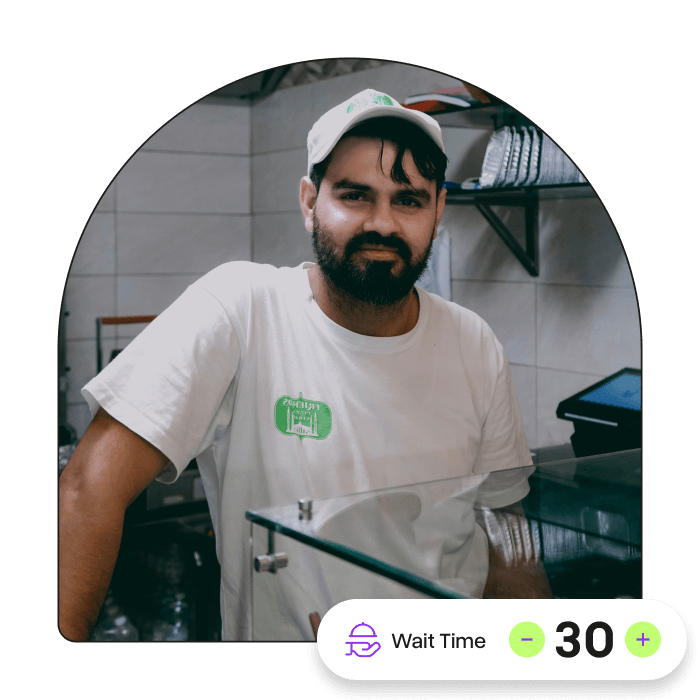
Change your default wait time when the kitchen is busy, so Otto gives callers a more accurate pickup estimate.
Add an automatic reset
Set temporary changes to reset after a chosen time, so Otto returns to normal once the rush, shortage, or special condition has passed.
Keep Otto Up to Date During Service
Service changes quickly. Otto gives your team a simple way to update what callers hear without rebuilding your agent or editing the whole menu.
Customisable to Your Venue
Overrides and wait-time changes can be used for sold-out items, unavailable ingredients, temporary menu changes, public holiday surcharges, early closures, special events, longer pickup times, or any short-term instruction your team needs Otto to follow.
.webp "Copy of Otto Site Images Template (5)")
See if Otto fits your venue
Just a quick chat to see if Otto is right for your venue. No pressure, no commitment.

FAQs
An override is a temporary instruction that changes how Otto responds to callers, such as telling customers an item is sold out or that the venue is closing early.
Yes. You can adjust the wait time when service gets busy, so Otto gives callers a more accurate pickup estimate.
Yes. You can set overrides to reset after a chosen time, so temporary changes do not stay active longer than needed.
Yes. A temporary wait-time change can reset back to your default wait time.
Overrides can be used for sold-out items, unavailable modifiers, temporary menu changes, public holiday surcharges, early closures, events, and other service changes.
Yes. Once saved, Otto uses the updated instruction when speaking with callers.